
Editorial review
SuperPlug AI Bundle Review: Turn Your AI Chat into a Creative Hub
Explore chat-led video, voice, images and websites with SuperPlug AI’s Everything Bundle, plus the client tools, credit limits and buying essentials.
Everything Bundle · SuperPlug AI
Research-based review
By ShopMarketingApps · Published November 24, 2026 · Updated November 24, 2026
SuperPlug AI walkthrough
Vendor-supplied walkthrough and promo; not our independent software test.
You have the campaign idea. Now you need a video, a voiceover, a thumbnail, a landing page and content for the next round of posts. SuperPlug AI’s promise is to bring those production tasks into the AI chat you already use, instead of leaving you with a good brief and another list of tools to open.
Connected to ChatGPT, Claude or Grok, SuperPlug advertises tools for video, images, voice, music and websites. The Everything Bundle combines the core plan with four upgrades for larger workflows, integrations, client projects and collaboration. For a marketer or agency producing varied content, that is the appeal: a creative hub organised around the conversation where your ideas begin.
Affiliate disclosure: We may earn a commission if you purchase through links on this page.
How we reviewed this: This is a research-based review of the vendor’s published information and promotional materials, not hands-on testing. We separate the practical possibilities from the credit, price and licence details you need to confirm.
Explore the SuperPlug AI Everything Bundle
At a glance
| Item | What the vendor publishes |
|---|---|
| Product | SuperPlug AI Everything Bundle |
| Creators | Pankaj Malav and Deepanker Rajora |
| Offer type | Software bundle sold through JVZoo; described as a one-time payment |
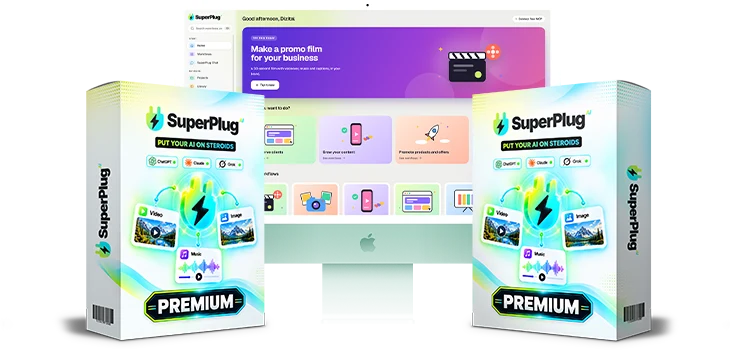
| Included components | Premium, Pro Unlimited, Max, Agency, Team, plus bundle-only bonus apps |
| Advertised bundle price | $297, presented as $100 off $397 (vendor statement; check at checkout) |
| Credits | 5,000 generation credits per month (advertised) |
| Refund window | 14 days, with conditions — see below |
| Evidence status | Research-based; no hands-on testing; no score given |
From a chat brief to a multi-format campaign
Picture a product launch: you develop the message in your AI chat, then request the creative pieces that bring it to life. SuperPlug’s advertised workflow connects that conversation to video, voiceovers, thumbnails, landing pages and social posts. It is a relevant approach for buyers who already use an AI assistant to plan their work and want to explore production in the same setting.
The vendor lists video creation across around 50 styles, photo-to-video, images and logos, background editing, voice and music generation, animated websites, presentations and Facebook and Instagram scheduling. A campaign that needs several of those formats is a stronger use case for the bundle than a buyer who only wants one image tool.
Look at the vendor promo videos as examples of the creative direction, not proof of a typical result. Your connected AI assistant and plan influence the workflow, and generation draws on credits. The right buying question is: does this approach fit the content you make regularly, within a credit budget you understand?
What the Everything Bundle adds to your workflow
| Component | Advertised function | Buyer consideration |
|---|---|---|
| Premium (front end) | Connection to ChatGPT, Claude or Grok; ready-made workflows; 3 brand kits; 10GB storage; 2,500 credits per month; 200 AI connections per month; 1 user; commercial licence | Explore chat-led production for one brand or solo workflow. Vendor pages disagree on workflow counts. |
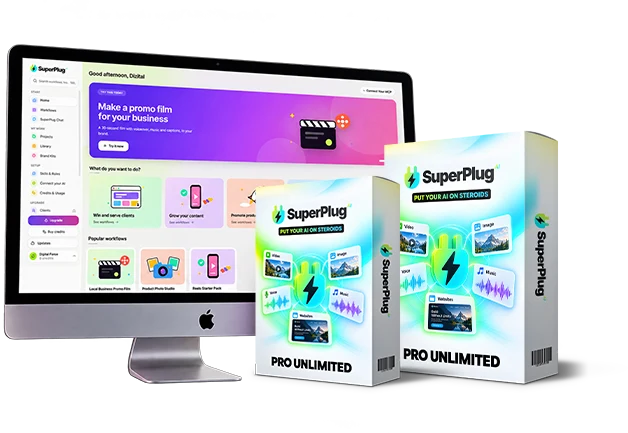
| Pro Unlimited | Extra 2,500 monthly credits, more Pro workflows, unlimited brand kits and custom workflows, scheduling, batches of up to 20 jobs, 50GB storage, no monthly connection cap | Organise several brands and repeat jobs in batches. “Unlimited” covers brand kits, custom workflows and connections—not generation. |
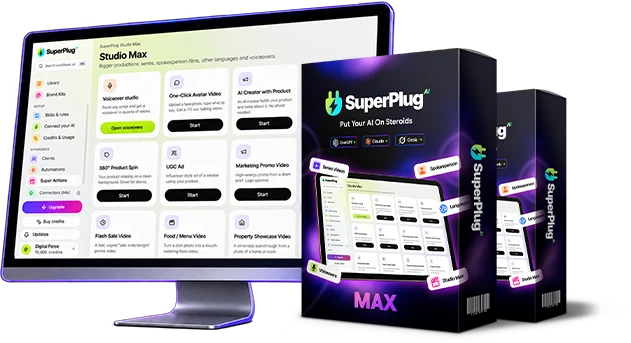
| Max | 24 direct integrations (email tools, Notion, Airtable, Trello, ClickUp, Google Sheets, Slack, Discord, Telegram, webhooks) and 7,000+ apps via Zapier, Make and Pabbly; bring your own keys for ElevenLabs, HeyGen and other AI providers | Connect creative work to the systems you already run. Check separate provider charges and integration requirements. |
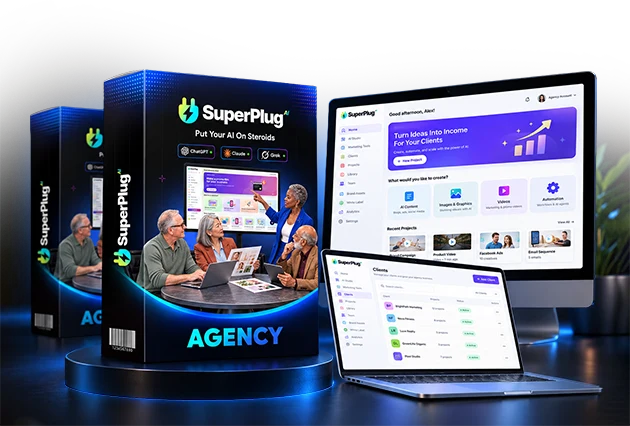
| Agency | Client dashboard, separate brand kits, credit budgets and projects per client, approval links, white-label websites on client domains, agency rights, starter templates | Keep client projects, brands and approvals organised. Confirm whether client budgets draw from your allowance and what agency rights permit. |
| Team | 25 seats with logins, admin/creator/viewer roles, shared assets, approvals, per-seat spending limits | Invite collaborators without sharing passwords, and manage roles and spending. Confirm whether all seats share one credit pool. |
| Bundle-only bonuses | 12 additional apps (music, lead finding, QR codes, websites, animation, headshots, email outreach and more) | Explore extras that support your actual campaigns. Vendor-assigned values are unverified and each bonus may have its own limits. |
Is the full bundle worth it for your workload?
The vendor advertises the Everything Bundle at $297 rather than $397 and promotes SUPERPLUG100 for $100 off. We rechecked those statements on 24 November 2026 but did not purchase or verify the final checkout total, coupon application, taxes or currency designation. Do not assume another $100 comes off the advertised $297.
The vendor's published component prices ($42, $67, $67, $67 and $47) total $290, below its $397 bundle reference figure. These offers may differ in credits, bonuses or availability, so the reference figure does not establish savings over buying the five components separately. Confirm comparable current checkout terms. Match the upgrade to the job:
- Premium: the starting point for a solo creator exploring chat-driven production.
- Pro Unlimited: relevant when you manage several brands, repeat workflows or want batches and scheduled jobs. Generation remains credit-limited.
- Max: the integration layer for buyers whose content needs to connect to email platforms, project boards or automation tools.
- Agency and Team: the operational pieces for client projects, approvals and collaborators.
The full bundle’s value is breadth you will actually use. If you produce varied content, manage client brands and involve collaborators, several upgrades address the same working routine. If you only need one or two capabilities, selected parts may fit better. Upgrade availability and later pricing are not established, so confirm those before planning a staged purchase.
Understand the credit budget before your first campaign
A creative hub is only useful if its allowance supports your workload. Before buying, ask the vendor to explain the credit cost of a representative project—such as one video, its voiceover and supporting images—and how long your monthly allowance continues. The public materials leave these important details unresolved:
- Monthly credits on a one-time payment. The bundle advertises 5,000 credits every month, yet the vendor calls it a one-time payment and says one-time buyers receive 12 months of support and updates. The public material does not establish how long the monthly allowance continues.
- What a credit buys. We could not find a published cost per image, per second of video, per voiceover or per website, so we cannot estimate how much finished work 5,000 credits produce.
- What "unlimited" means. Unlimited brand kits, custom workflows and monthly connections do not mean unlimited generation, storage, seats or output. Every generation still uses credits.
- Batches and schedules. Up to 20 jobs can run in a batch, but the materials do not say whether batches or scheduled runs have separate queue limits; they presumably consume credits like any other job.
- Storage. Advertised as 10GB on Premium and 50GB with Pro; how long files are kept is not stated.
- Price and policy changes. The vendor's terms reserve the right to change prices and revise the usage policy at any time.
Connect your existing tools—not an assumed all-inclusive stack
If your working day already starts in ChatGPT, Claude or Grok, SuperPlug’s connected approach may feel relevant to the way you plan content. You still need your own assistant account; those subscriptions are not included. A free plan may behave differently from a paid one, and the vendor says results vary by project and connected AI plan. No official partnership with OpenAI, Anthropic or xAI is established.
Max is best evaluated against your existing stack: which connections would you actually use to move work into email, project management or automation? ElevenLabs, HeyGen and other AI providers use your own keys and can bill usage separately. Zapier, Make and Pabbly may need paid plans at your volume. Whether integration activity also consumes SuperPlug credits is not stated; include those questions in your budget rather than assuming the bundle replaces every subscription.
Refunds and support
The vendor's published refund policy offers a 14-day window, at its discretion and subject to approval. Under that policy:
- a refund is no longer available once 30% or more of the period's credit allowance has been used (1,500 credits on the bundle's 5,000), whether or not you kept the results;
- dissatisfaction with the creative quality of AI output is not treated as a reason for a refund;
- licences to anything you generated are revoked if you are refunded;
- one-time purchases include 12 months of support and updates.
These conditions matter to the buying decision: the advertised refund window is not an unrestricted trial. Confirm the terms before paying, keep track of usage if you purchase, and contact the vendor early about any eligible request. ShopMarketingApps does not provide its own refund guarantee.
Why a busy marketer or agency might choose SuperPlug
- Take the brief closer to production. The chat-led approach is appealing if you already develop ideas in an AI assistant and need several kinds of creative output.
- Give repeat campaigns a reusable structure. Brand kits and custom workflows could reduce repeated setup across a client’s content calendar.
- Make client work easier to organise. Separate projects, budgets and approval links are relevant to agencies managing several brands at once.
- Bring people into the process. Advertised roles, shared assets and per-seat limits address collaboration needs beyond a single login.
- Connect creation to delivery. The integration options may fit buyers who need creative work to move into existing email, project or automation systems.
These are potential benefits from the documented features, not measured improvements in speed, cost or output quality. The best reason to buy is a workflow match, not a promised income result.
Limitations and questions before buying
- How many months the 5,000 monthly credits actually last on a one-time purchase.
- How many credits a typical video, voiceover or website costs.
- Whether extra credits can be bought, and at what price.
- What the commercial licence allows for client delivery, monetised video and music or voice use; the full licence text was not available.
- Whether Agency client budgets and Team seats draw from the same credit pool.
- Whether white-label delivery hides SuperPlug branding for clients.
- Which connected AI plans are required for reliable results.
- Vendor pages give different workflow counts and front-end prices.
Who gets the strongest reason to choose the bundle?
The strongest fit is a buyer with recurring, multi-format work: a marketer preparing campaigns, a small agency handling client brands, or a creator whose content needs span video, voice, images and websites. If you already use a paid AI assistant and need both production and collaboration tools, the Everything Bundle brings several relevant capabilities into one offer to evaluate.
A narrower option may be better if you only create occasional content, do not need client or team features, or would leave most integrations unused. Wait for written answers if credit duration, generation costs or commercial rights are essential to your decision and remain unclear.
Alternatives
Rather than naming products we have not compared, consider these approaches: use the creative tools built into your existing AI subscription; pay directly for a specialised video, voice or design tool on a monthly plan you can cancel; or buy SuperPlug's front-end plan alone and add upgrades only if the vendor confirms they can be purchased later.
Our verdict: a creative hub for buyers who need the breadth
SuperPlug AI’s appeal is straightforward: keep the creative brief and a wider set of production tools connected through your AI chat. Add the advertised brand, integration, client and team features, and the Everything Bundle becomes a compelling option for marketers and agencies whose work genuinely needs that breadth.
Choose it around the campaign you want to build—not the number of apps in the bonus list. Watch the vendor demo, identify the components you would use, and get written confirmation of credit duration, output costs and commercial licensing. Those details remain unresolved in the public material, and the refund policy stops eligibility after 30% credit use.
If the workflow fits and the vendor’s answers support your budget and intended use, the full bundle is worth considering. Explore the current offer with your next campaign in mind, and check the final price and terms before completing the purchase.
Explore the SuperPlug AI Everything Bundle
The external vendor or checkout provider handles the transaction, delivery and applicable refunds. ShopMarketingApps is not the seller of this product.
Related: All reviews · Software reviews · How we research reviews · Affiliate disclosure and privacy
Made with SuperPlug AI. No cameras were harmed.
Vendor-selected product promos. Results vary by project and connected AI plan; these are not independently verified or representative benchmarks.
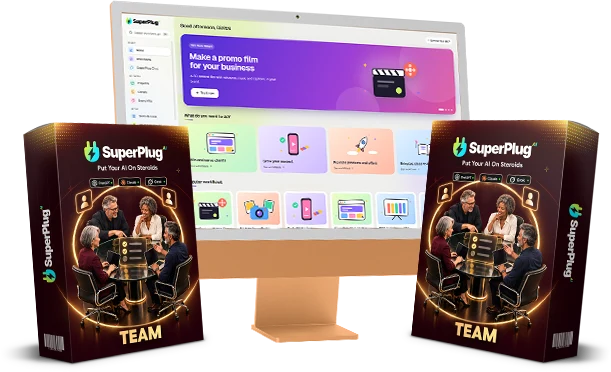
Bundle component graphics
Artwork from the vendor’s sales page; advertised interfaces and packaging, not verified entitlements.
Sources and evidence
Vendor bundle information, product resources, refund policy and terms reviewed on 24 November 2026; current pricing and refund wording rechecked before publication. No purchase or independent software testing was performed.
The images and four Vimeo videos are vendor-supplied promotional material approved for inclusion by the site owner; selected samples are not a representative output benchmark.